Tagged Trusted
Tagged. Tracked. Trusted.
Inventory Management EQlogin is an inventory management system. Track stock across warehouses and project sites, and get warned before an inspection or certificate runs out.
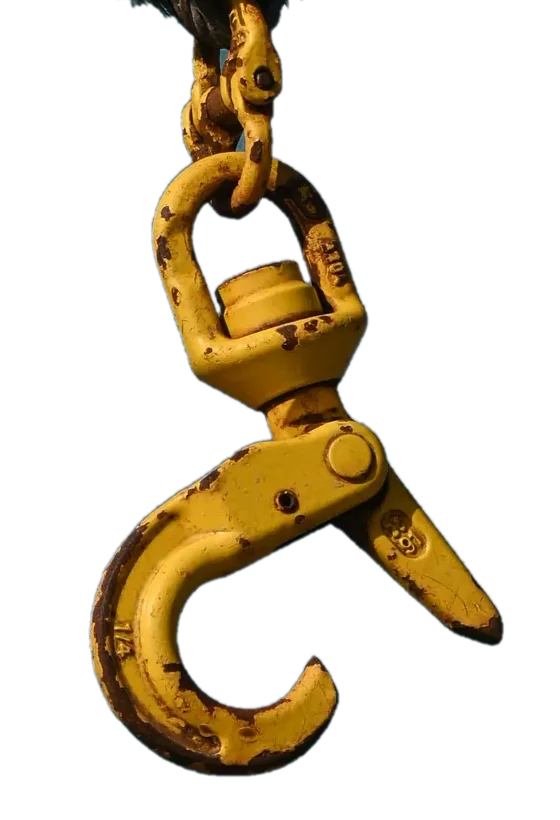
Swivel hook
HK-2291-0457
Next inspection
14 Mar 2027
One inventory across every warehouse and project.
Stock, locations, suppliers, inspections and certificates, together in one system.
Watch EQlogin in action
The demo video is coming soon
Everything you need to manage your inventory.
Photograph a tag. EQlogin reads it.
It shows how sure it is about each value, and your worker corrects anything wrong before saving.
Tag read
Item
Swivel hook, 200 kg
98%
Serial
HK-2291-0457
99%
Batch
23-118
96%
Next inspection
14 Mar 2027
74%
Warnings before dates run out
You choose how far ahead for inspections and certificates.
2 inspections overdue4 due within 14 days1 certificate expiring
A full audit log
Every change, with who did it and when.
09:42 Stock item booked09:15 Transfer approved08:58 Project created
Stock control
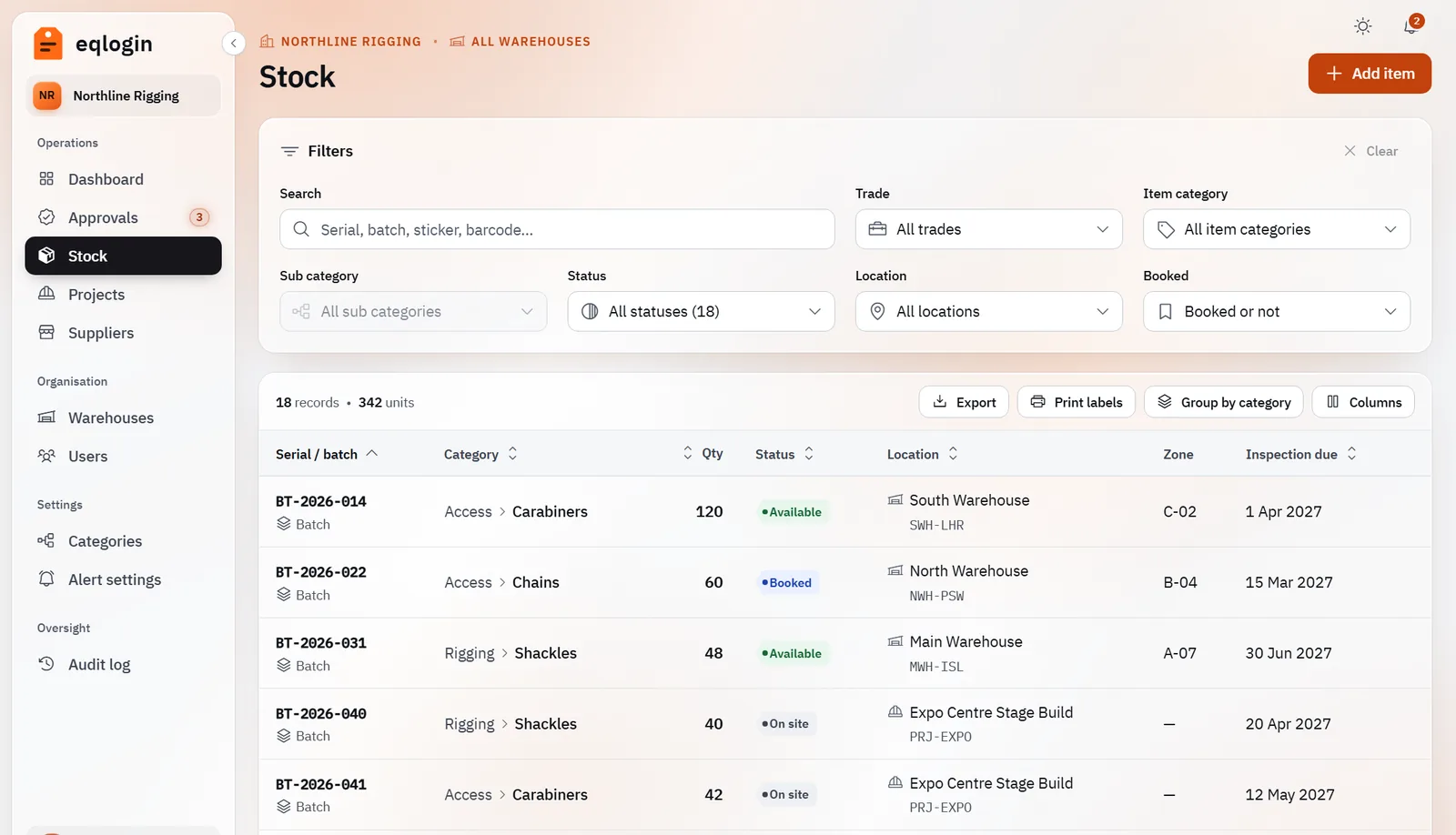
Track every item by serial or batch. Filter, group, print labels and export to Excel.
Projects and warehouses
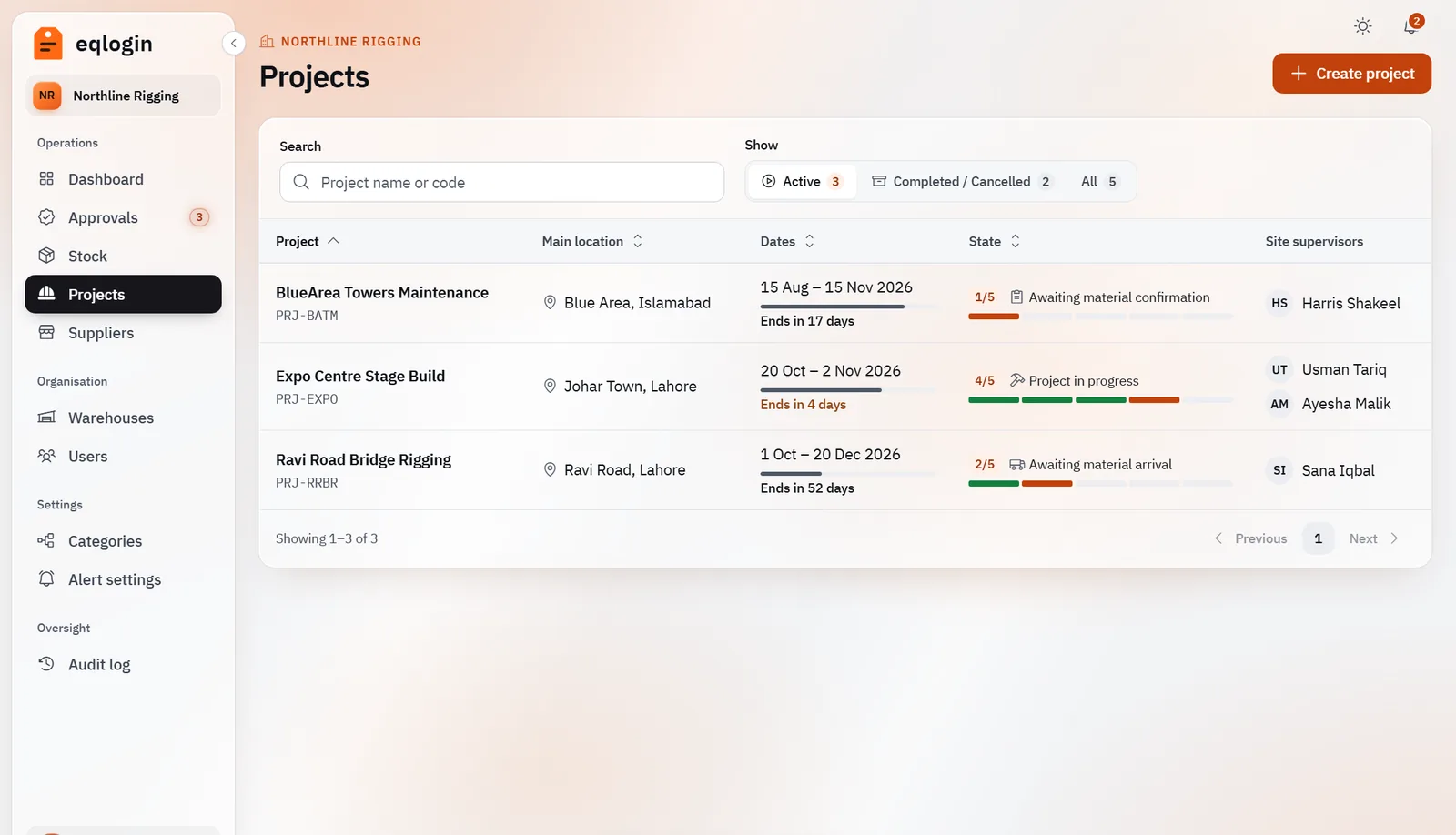
Request materials from any warehouse and follow each project through five stages.
Approvals in one place
Transfers and project completions wait for a decision, with the reason recorded.
Move Kamran Shah
Expo Centre to Ravi Road Bridge
Reject Approve
The right tools for each role
Warehouse Worker
Receive, scan and dispatch, mostly from a phone.
Site Supervisor
Receive gear on site, inspect it and request transfers.
Area Manager
Projects, material requests and stock takes.
Company Admin
Users, warehouses, alerts and approvals.
How an item moves through your inventory.
1
Receive stock
Items arrive from a supplier, against a purchase order or by intake.
2
Photograph the tag
EQlogin reads the values from a photo. The worker checks them.
3
Label and store
Each item gets a label and a place in a warehouse zone.
4
Request and dispatch
Materials are requested for a project, booked and sent by scanning.
5
Receive and inspect
The Site Supervisor receives the items and records inspections.
6
Complete and return
Once the project's completion is approved, the stock comes back.
Your inventory records stay yours.
Invite-only accounts Nobody signs up on their own. Your company admin invites each user.
Separate company data Each company works in its own space and sees only its own records.
Account lockout Repeated failed sign-ins lock the account for 15 minutes.
Trusted by equipment teams
Harbourline Access Ironbark Rigging Southgate Scaffold Kestrel Lifting
Meridian Rope Works Tallwood Staging Granite Point Hoists Coastal Height Co
Common questions.
Can’t see your question? We’ll walk you through it.
Request a demo
Who is EQlogin for? Access and rigging companies that need to track equipment across warehouses and project sites, and keep inspections and certificates up to date.
How do new users join? Your company admin invites them. There is no public sign-up, so only people you invite can get in.
Does it work on phones? Yes. Warehouse staff can use EQlogin on a phone to receive, scan and dispatch stock.
Can we manage more than one warehouse? Yes. You can add as many warehouses as you run, split them into zones and see the units held in each.
What does EQlogin warn us about? Inspections that are due and certificates that are expiring. You choose how far ahead each warning appears.
Can we get our stock list out of EQlogin? Yes. You can export your stock list to Excel.
What teams say about EQlogin.
Pause